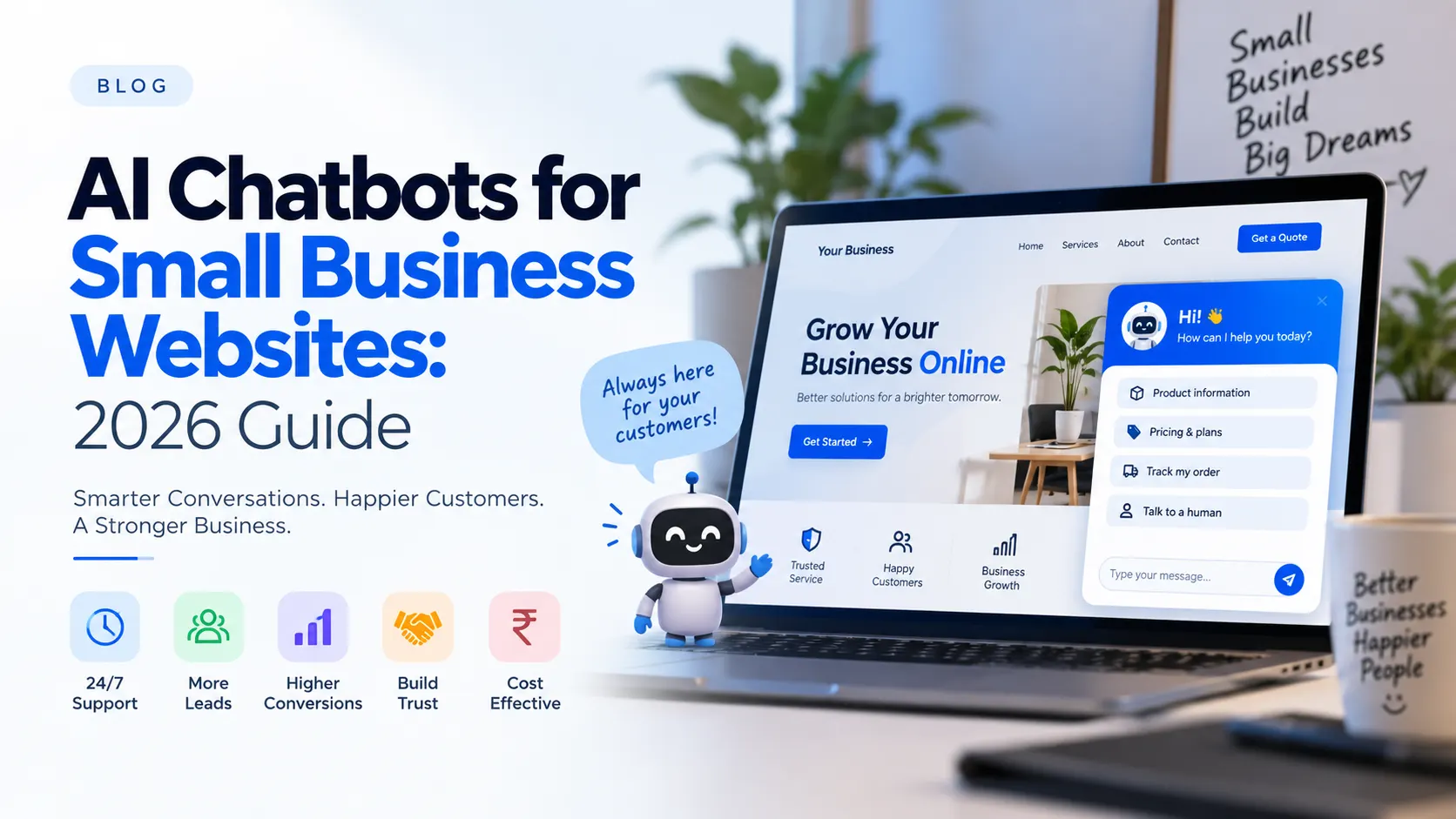
If you've visited more than a handful of websites recently, you've probably noticed a small chat bubble sitting quietly in the corner of the screen — one that answers your question instantly, any time of day. What used to be a feature only large companies could afford is now something almost any small business can add to their own website. In 2026, AI chatbots have gone from "nice to have" to something customers genuinely expect.
If you've been wondering whether your business actually needs one, or you've dismissed the idea as too expensive or too complicated, this guide will walk you through exactly what's changed, what an AI chatbot can realistically do for you, and how to get one running without hiring a developer.
What Is an AI Chatbot, Really?
Strip away the buzzwords, and an AI chatbot is simply a program on your website that can read a visitor's question and reply in natural language — instantly, without a human typing the answer. Modern AI chatbots (unlike the clunky "press 1 for sales" bots of a few years ago) are trained on your business's own information: your products, your prices, your policies, your FAQs. That means they can hold a genuinely useful conversation instead of just pointing people to a menu of pre-written options.
Why 2026 Is Different
Chatbots have existed for years, so why does this feel like the moment they've actually become worth it for small businesses?
- Customers expect instant replies. Between WhatsApp, Instagram DMs, and same-day delivery, "we'll get back to you in 24 hours" no longer feels acceptable to most visitors — they'll simply leave and buy from a competitor who answers faster.
- The technology finally sounds human. AI language models have improved dramatically, so chatbot replies read like a helpful person typed them, not a robot reading a script.
- It's affordable now. What once required a custom AI team and a large budget is now available as a ready-made widget you can add to any website in a day.
5 Real Benefits of Adding an AI Chatbot to Your Website
1. Fewer Lost Leads
Most website visitors who leave without buying don't leave because they weren't interested — they leave because they had a small question nobody answered fast enough. A chatbot answers it in seconds, right when the visitor's interest is highest.
2. It Works 24/7, Without Extra Staff
Your business has closing hours. Your website doesn't. A chatbot keeps engaging visitors and answering questions late at night, on weekends, and on holidays — without you paying for a night-shift support team.
3. It Costs Far Less Than You'd Expect
Hiring even one additional support person costs a real monthly salary. A ready-made AI chat widget typically costs a small fraction of that, with no hiring, training, or management overhead.
4. It Captures Leads While You Sleep
A well-set-up chatbot doesn't just answer questions — it can collect a visitor's name, number, or requirement and hand it to you as a ready-made lead the next morning, instead of losing that visitor entirely.
5. It Makes Your Business Feel Current
Rightly or wrongly, visitors judge credibility fast. A site that responds instantly and intelligently signals that a business is active, modern, and easy to do business with — which quietly builds trust before a customer ever speaks to a human.
Common Myths About AI Chatbots (Busted)
"It's too expensive for a small business."
This was true a few years ago. Today, ready-made chatbot widgets are priced to be affordable for small and medium businesses, often as a one-time purchase or a low monthly subscription — nowhere near the cost of custom AI development.
"It'll sound robotic and annoy customers."
Older rule-based bots did. Modern AI-powered widgets are trained on your actual business content and reply conversationally, closer to texting a helpful staff member than talking to a machine.
"It'll replace my team."
In practice, it does the opposite. It filters out repetitive questions ("What are your timings?", "Do you deliver to my area?") so your team can spend their time on customers who actually need a human — negotiating a deal, resolving a complaint, or closing a sale.
How to Add an AI Chatbot to Your Website (Without Hiring a Developer)
You don't need to build anything from scratch. Here's the realistic path most small businesses take:
- Choose a ready-made AI chat widget built for your platform (WordPress, WooCommerce, or a custom site).
- Feed it your business information — products, services, FAQs, and policies — so it can answer accurately instead of guessing.
- Connect it to WhatsApp if most of your customers already message you there, so conversations can continue seamlessly.
- Install it and test it yourself by asking the questions your real customers ask most often.
That's genuinely it — most ready-made widgets are designed to be installed in under an hour, with no coding required.
Frequently Asked Questions
Do I need coding knowledge to add an AI chatbot?
No. Ready-made AI chat widgets are built to be installed by simply adding a plugin or a small script — no coding required.
Will an AI chatbot work for a WooCommerce or WordPress store?
Yes. Several widgets are built specifically for WordPress and WooCommerce, so they can already see your product catalog, prices, and stock status when answering customers.
Is it worth it for a small business with limited traffic?
Often, yes — smaller businesses feel the impact of every lost lead more, and a chatbot's cost is usually low enough to pay for itself with just one or two extra conversions a month.
The Bottom Line
An AI chatbot isn't about replacing the personal touch that makes a small business special — it's about making sure no visitor leaves simply because nobody answered fast enough. As more of your competitors add one, "we don't have a chatbot" quietly starts to look like "we don't reply quickly," even when that isn't true.
If you'd like to see how an AI chat widget would look on your own website, take a look at our AI Support Widget, or get in touch and we'll help you set one up.